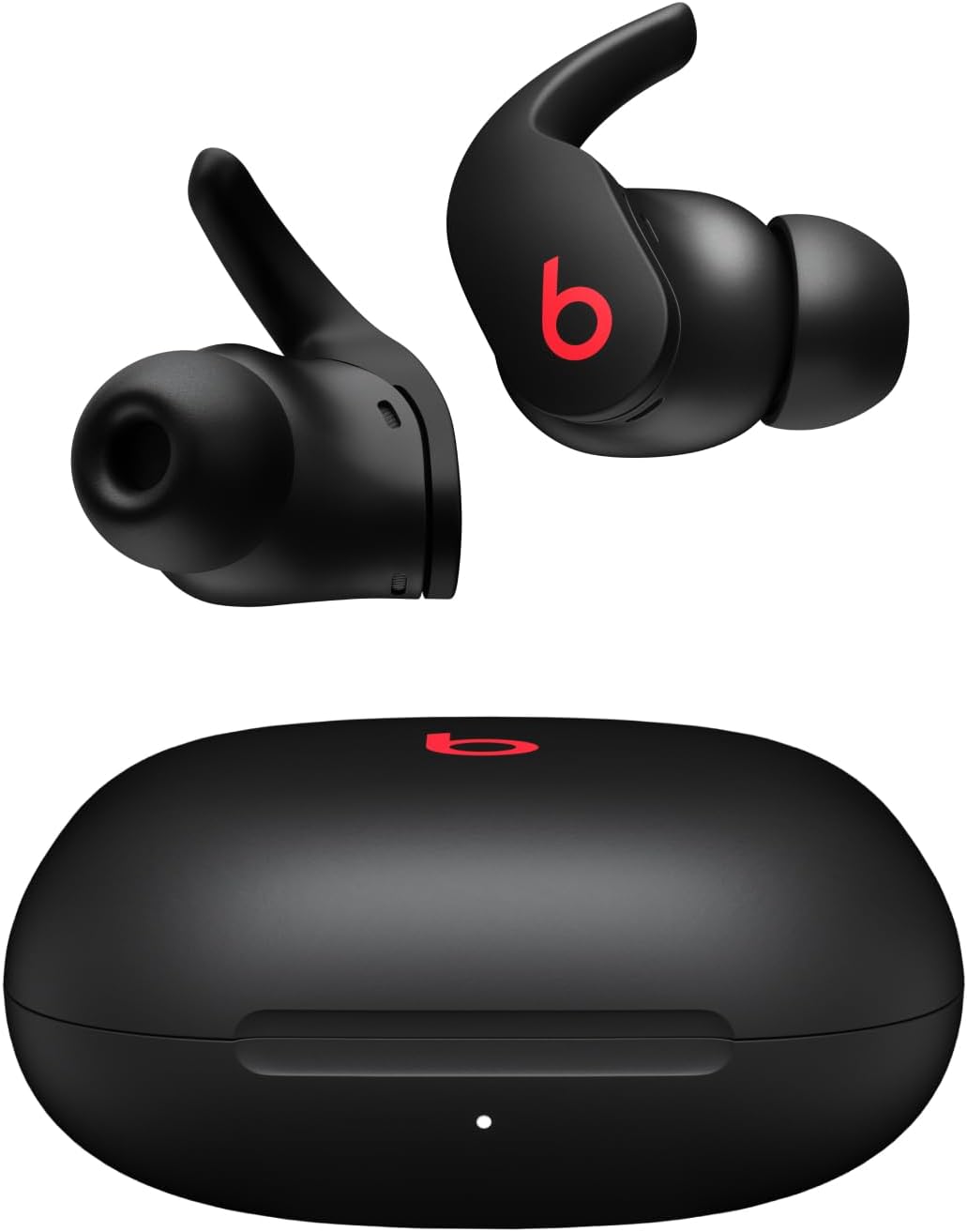
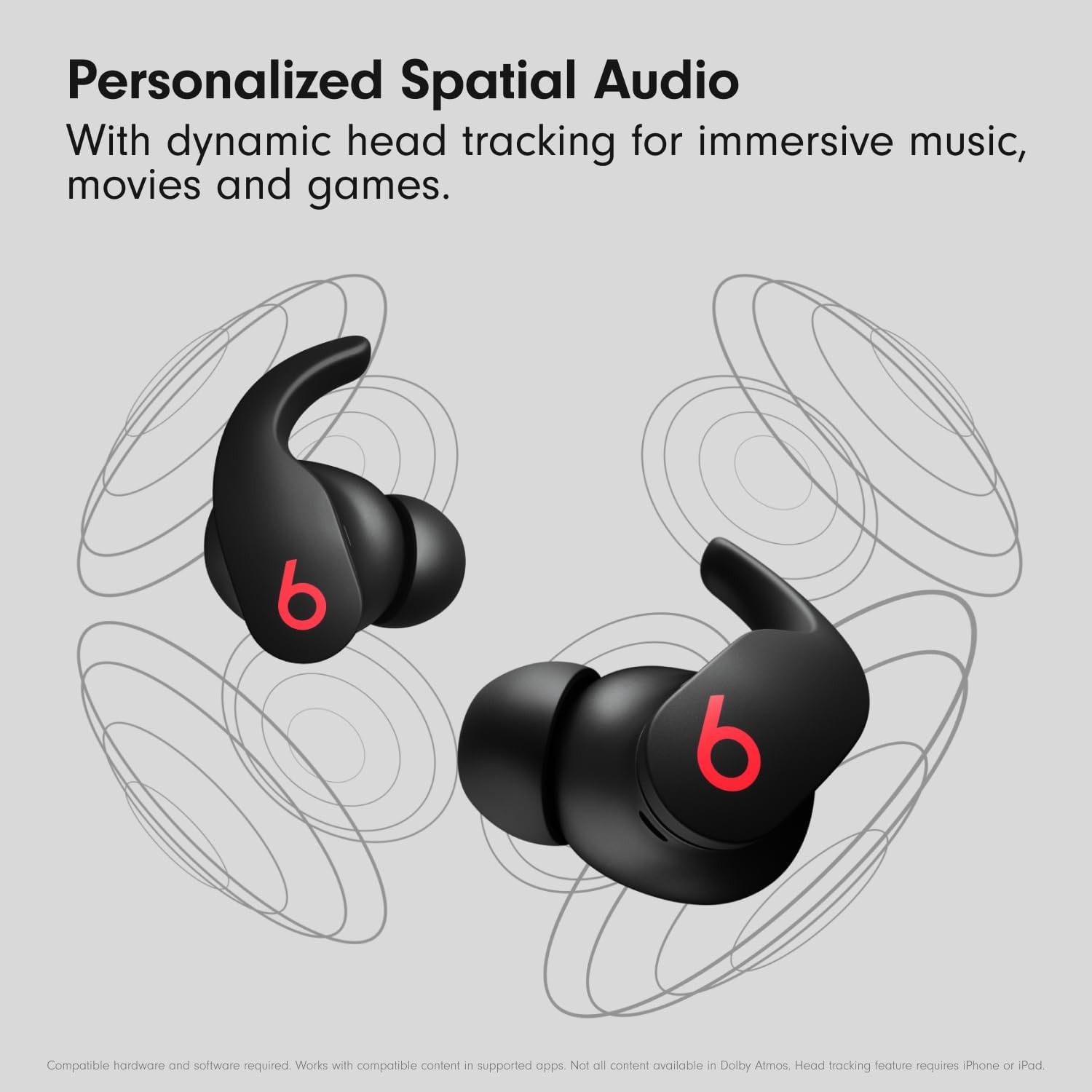
Beats Fit Pro True Wireless Earbuds - Apple H1 Headphone Chip, Compatible with Apple & Android, Class 1 Bluetooth, Built-in Microphone, Noise Cancelling, 6 Hours of Listening Time
Beats Fit Pro (single charge): up to 6 hours of listening time; Fast Fuel: a 5-minute charge provides up to 1 hour of playback
Headphones Jack
USB
Model Name
Beats Fit Pro
Connectivity Technology
Wireless
Wireless Communication Technology
bluetooth
Included Components
Beats Fit Pro True Wireless Noise Cancelling Earbuds, Charging Case, Eartips with three size options, USB-C to charging cable, Quick Start Guide, Warranty Card
Nikastic Your One-stop Shop For Quality Consumer Products & Services!
To charge your Beats Fit Pro, place them in the charging case. When you need to charge both the earbuds and the case, place the earbuds in the case and connect the case to a power source with the USB-C cable that's included with your Beats Fit Pro. You can also charge the case without the earbuds. (Note: USB-C power adapter sold separately.)
Beats Fit Pro automatically power on when they are removed from the case, and power off when placed back in the case with the lid closed.
Beats Fit Pro feature a multi-function ‘b’ button on each earbud. Press once to play or pause, twice to skip forward, or three times to skip backward. With optical sensors on each earbud, Beats Fit Pro will automatically play and pause your content when you put them in or remove from your ears
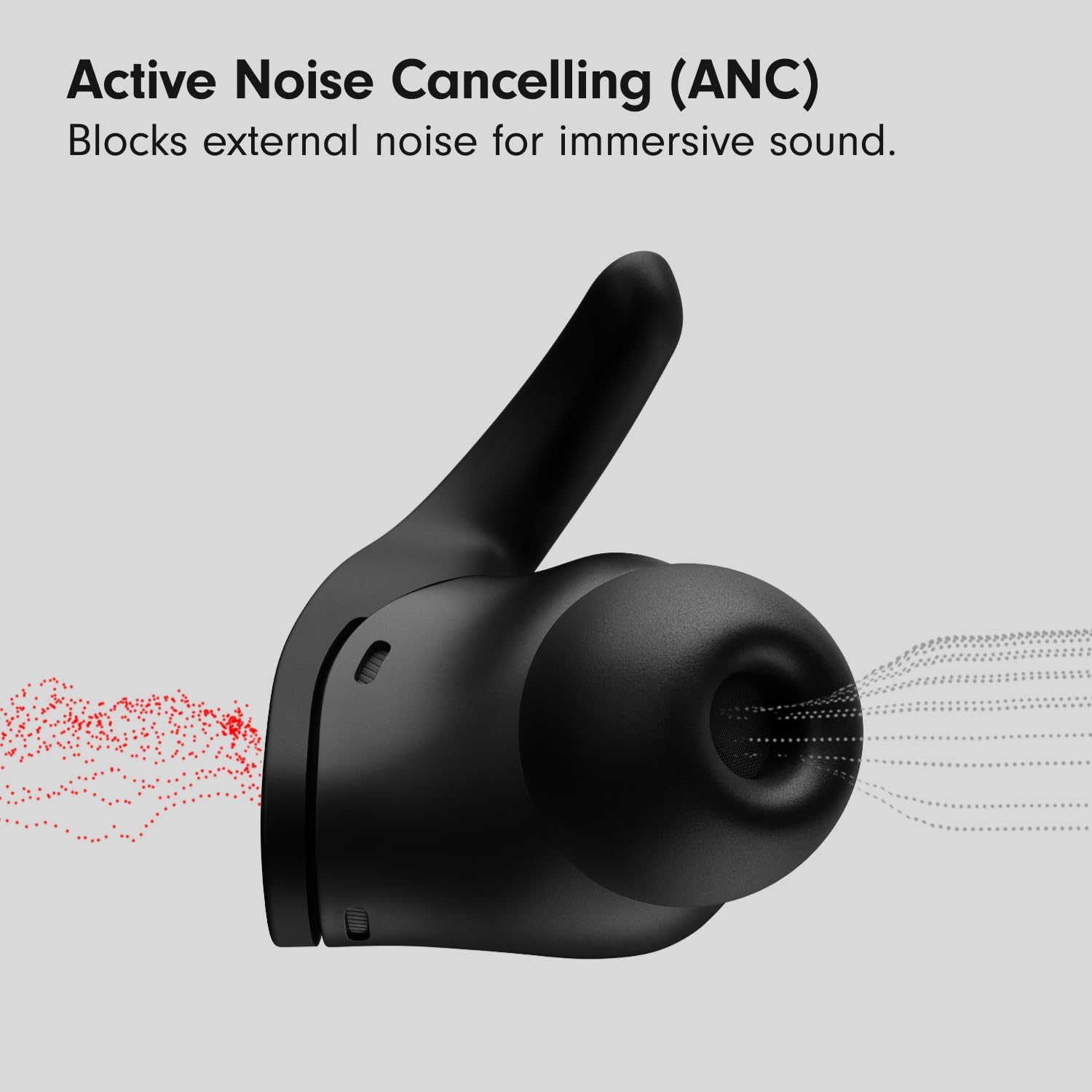
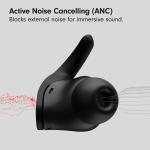
Press and hold the ‘b’ button down to toggle between Active Noise Cancelling (ANC) and Transparency mode. You can also control listening modes, including Adaptive EQ (with ANC and Transparency off), and customize button setup within iOS or the Beats app for Android.
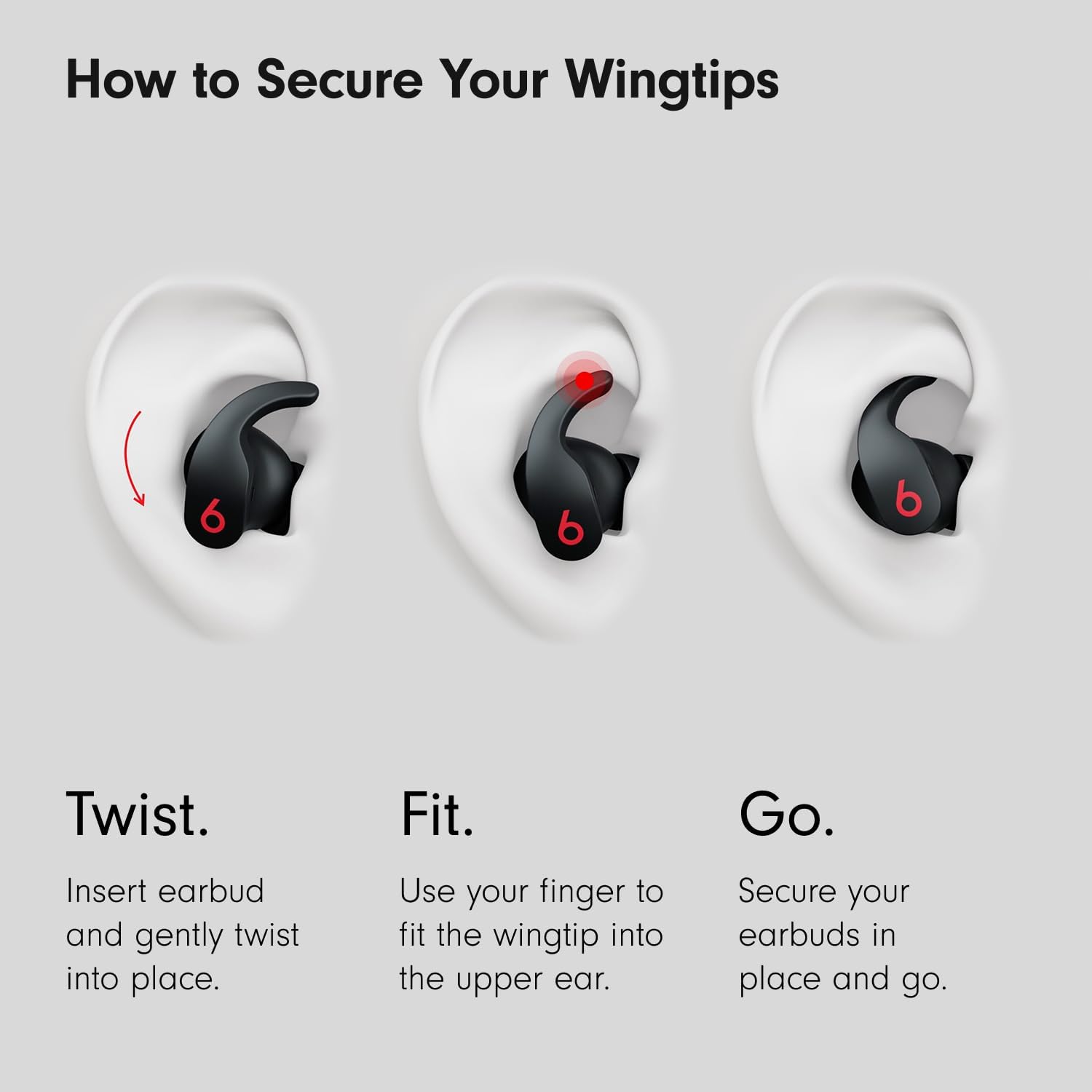
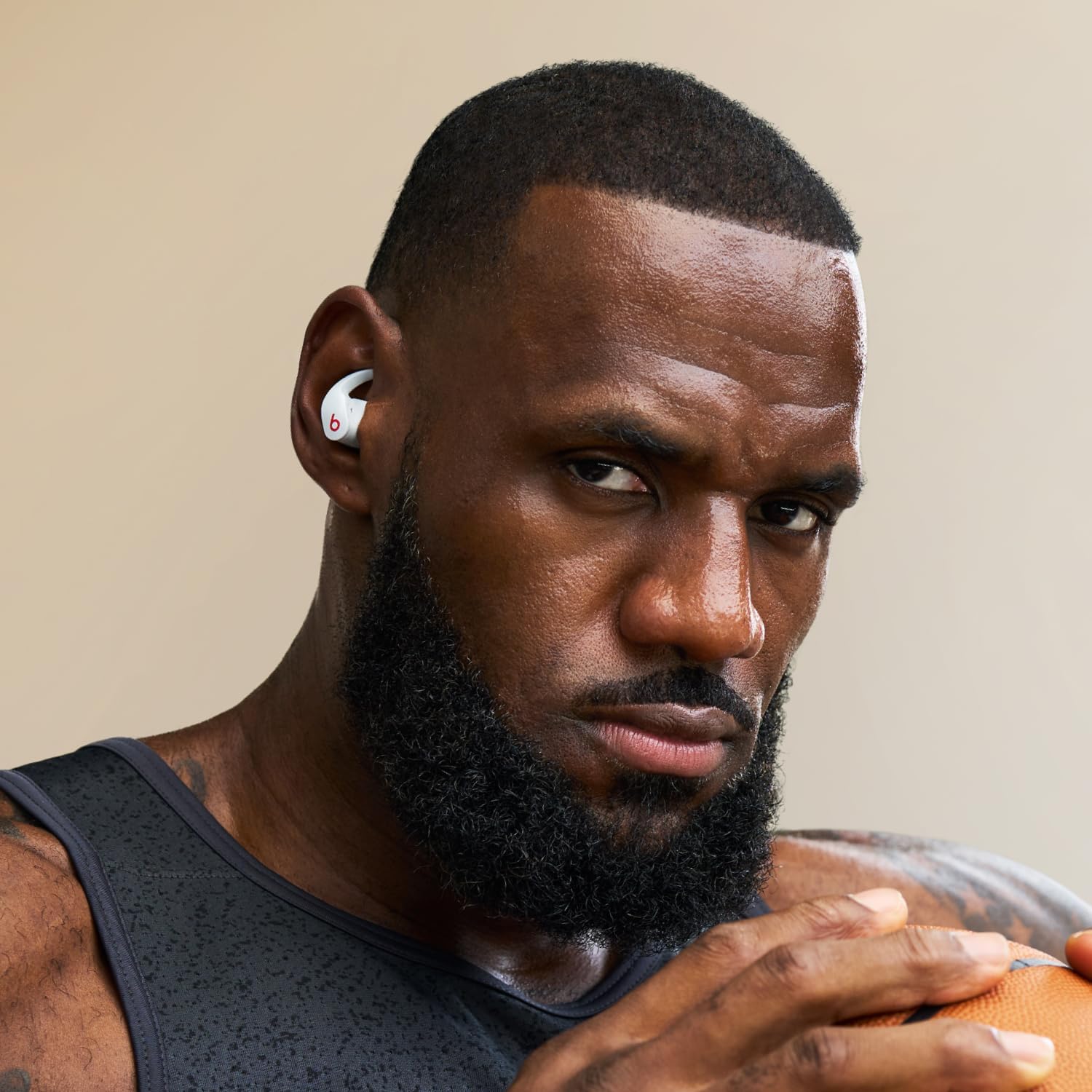
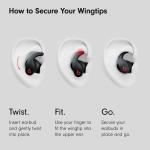
Beats earphones come with three sets of eartips - small, medium, and large. Medium eartips come attached to the product. Choose the pair that's most comfortable and provides the best sound experience for you. To select the correct eartip, first gently insert the earbud, with eartip affixed, into your ear. You can adjust the fit of the earbud until it feels secure. To remove the earbud from your ear, twist it gently and pull it away from your ear. The flexible wingtip is permanently attached to Beats Fit Pro and helps with earbud stability. Use your finger to slightly bend the wingtip and fit it into the upper portion of your ear. The wingtip, combined with the correct eartip, will provide a comfortable, secure fit which helps optimize sound performance.
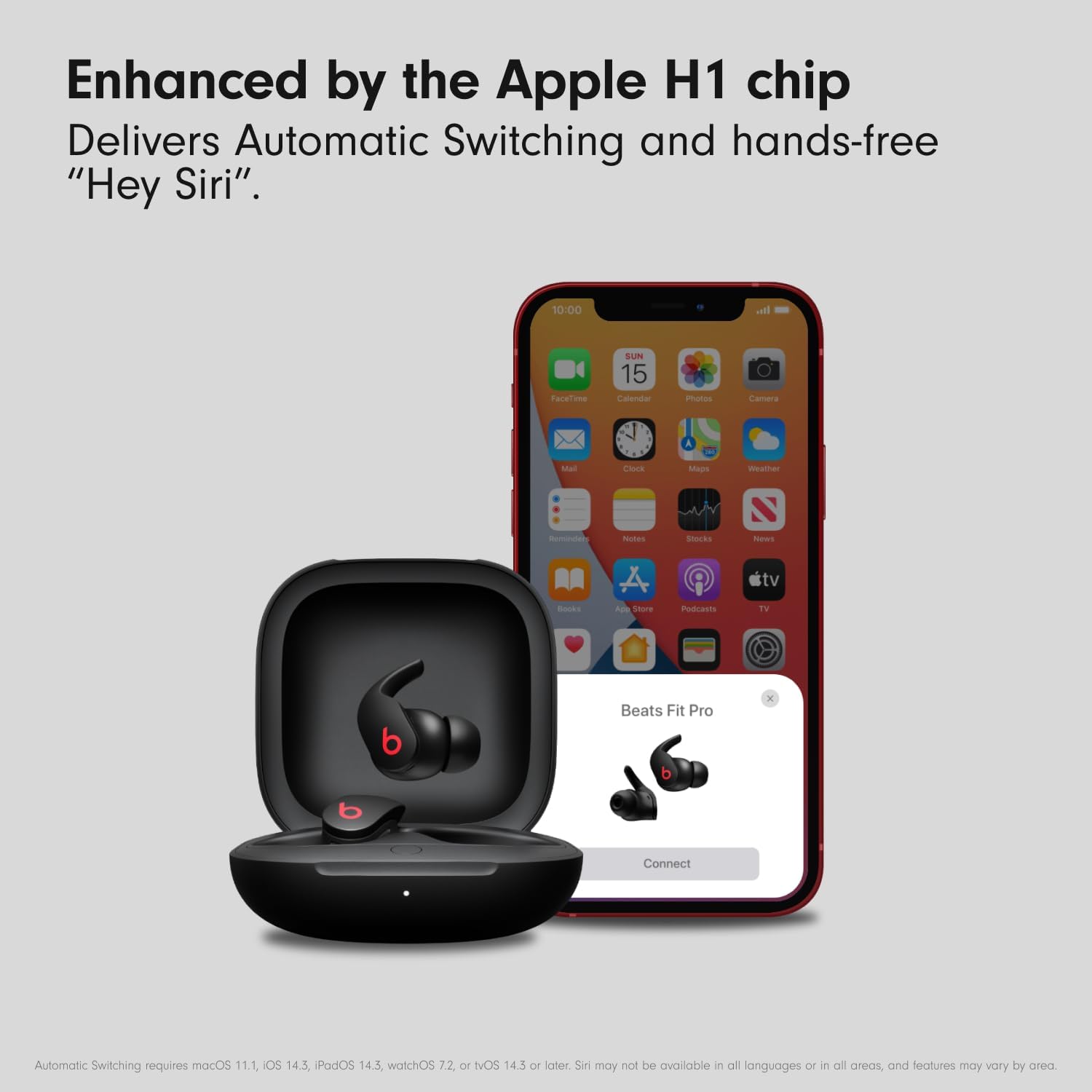
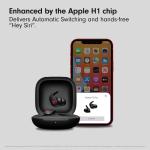
On Apple devices, you can activate Siri hands-free just by saying “Hey Siri”. Or, change the function of the ‘b’ button to activate your voice assistant within your iOS settings. On Android, download the Beats app to change the press and hold function of the ‘b’ button to activate the default voice assistant on your device. Voice assistant access via the ‘b’ button can be customized on one or both of your earbuds.
Each Beats Fit Pro earbud has three total microphones, enabling high-quality call performance as well as ANC and Transparency performance. During phone calls, all three microphones are active to optimize conversations when using one earbud, and five microphones are active when using both earbuds.
With the Beats app running, simply open the lid of the case with earbuds seated in the case, hold near unlocked phone, and follow on-screen instructions. You can also pair your product in the standard Bluetooth menu. To download the Beats app, visit the Google Play store or download directly from beatsbydre.com.
Beats Fit Pro True Wireless Earbuds - Apple H1 Headphone Chip, Compatible with Apple & Android, Class 1 Bluetooth, Built-in Microphone, Noise Cancelling, 6 Hours of Listening Time